Frequently Asked Questions
Frequently Asked Questions
A12 Bluetooth Connect to TV (example as TV model SONY KD-55A1)
A12 Bluetooth Connect to TV (example as TV model SONY KD-55A1)
Technical Information
July 24, 2023
A12 Bluetooth Connect to TV (example as TV model SONY KD-55A1)
Step 1: Power on A12 unit and choose Bluetooth source input
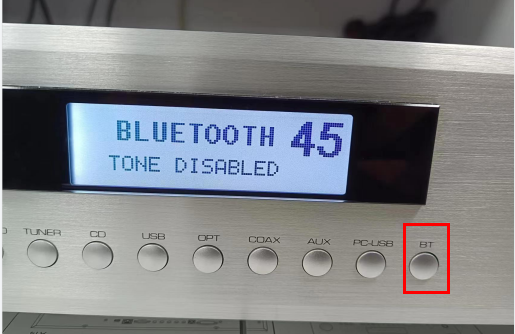
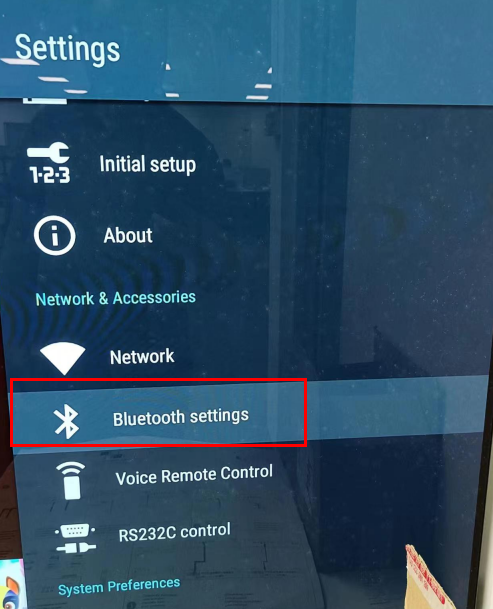
Step 2: Go to TV system setup then find Setting and Bluetooth settings
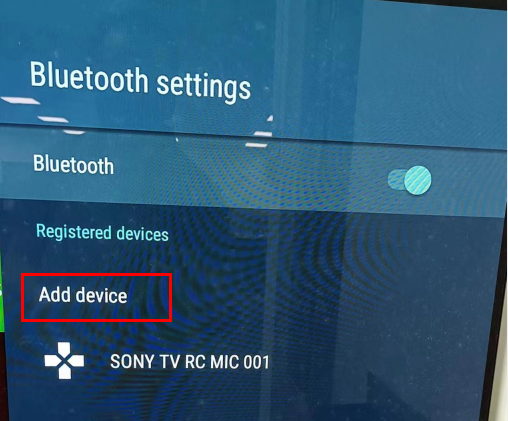
Step 3: choose Add devices and wait for TV searching the available Bluetooth accessory (Rotel Bluetooth)
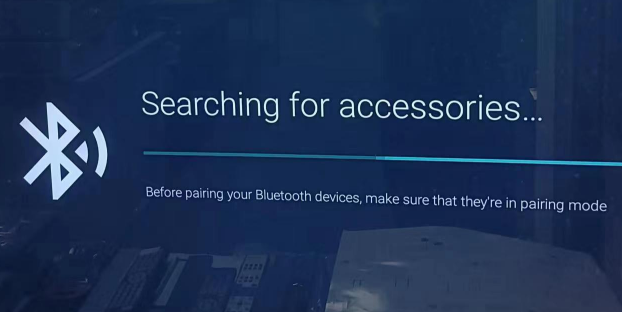
Step 4: It may take about 1 to 2 minutes to search the accessory until Rotel Bluetooth(927F1A) appear on upside right corner.
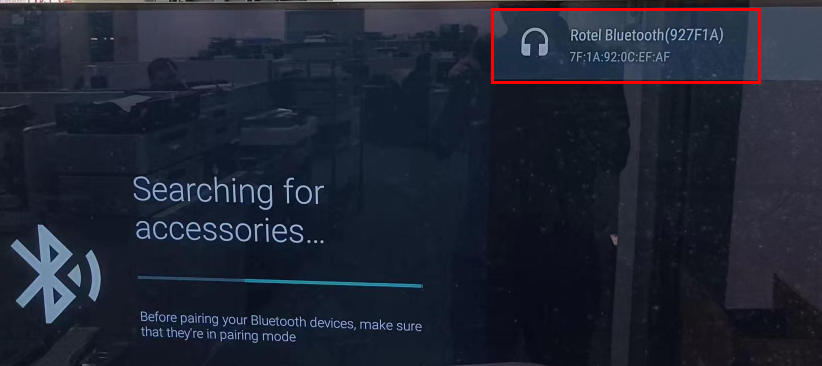
Step 5: Choose Rotel Bluetooth(927F1A) on TV menu then go to pair.
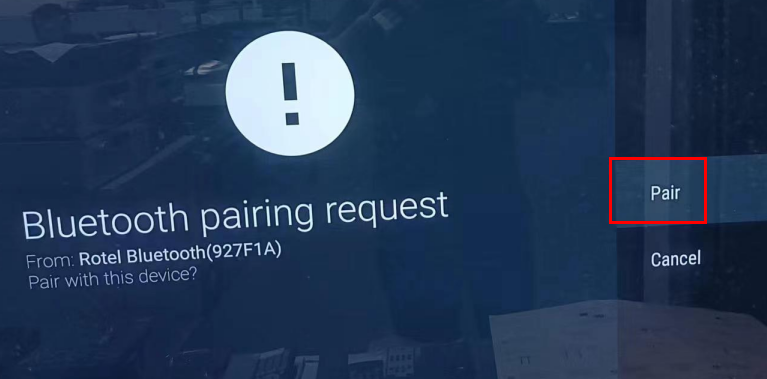
Note: If pairing is failed, please try to searching the Bluetooth again and pair it one more time.
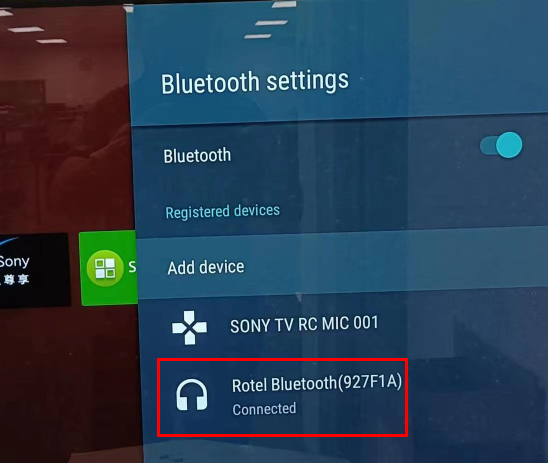
Step 6: Back to the TV Bluetooth settings menu, if pair work succeed the Rotel Bluetooth(927F1A) will display on the available accessory list as below.
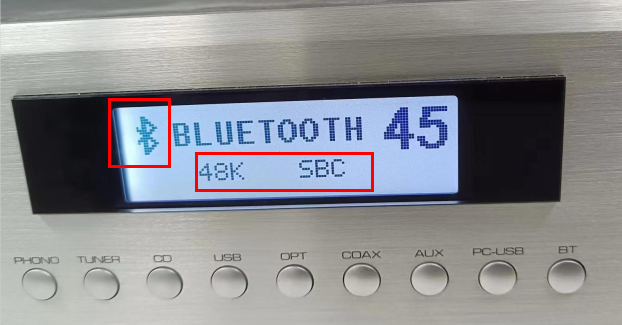
Step 7: Check the A12 display screen if the Bluetooth icon and sample rate information appear, which means A12 has connected with TV successfully.
PDF file download please click below: